
Your editorial team controls the handoff
Prepare an AI article for your WordPress review
Read and edit the article in Blogo, then copy or download Markdown for your editorial workflow. WordPress draft handoff requires an enabled sending feature, your configured site connection, a real author, cleared review checks and confirmation of the current article. Your team publishes in WordPress.
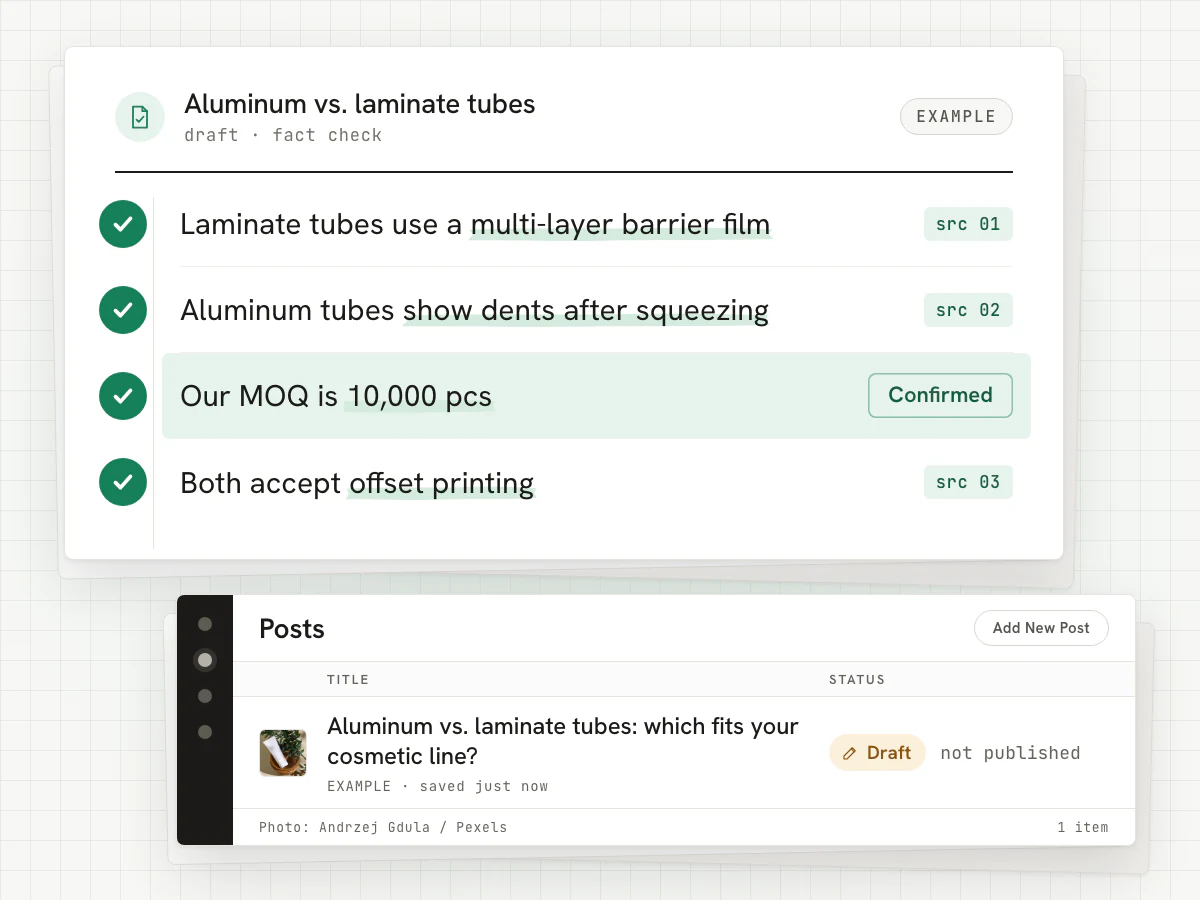
Why draft-only matters on a company website
An auto-published article with a wrong specification or an invented claim is live in front of buyers before anyone has read it. On a company site that is a sales risk, not just an SEO risk.
The implemented WordPress handoff requests draft status and checks the returned post. Blogo does not provide an automatic public-post action. Your team reviews the content and manages publication in WordPress.
What the enabled handoff sends
When sending is enabled, your owned site connection is configured, a real author is provided and current review checks and confirmation are complete, the article can be sent as a WordPress draft. The payload follows the text and supported fields available for that article.
- The article body with its current headings, tables and links
- Image markup and credits where eligible images are present
- The title and the URL slug (the meta description, categories and featured image are set by you in WordPress)
- Reviewed internal links included in the current body
- Your saved real author byline and biography; Blogo does not invent an author
- Business information and review issues are handled in Blogo before a guarded send
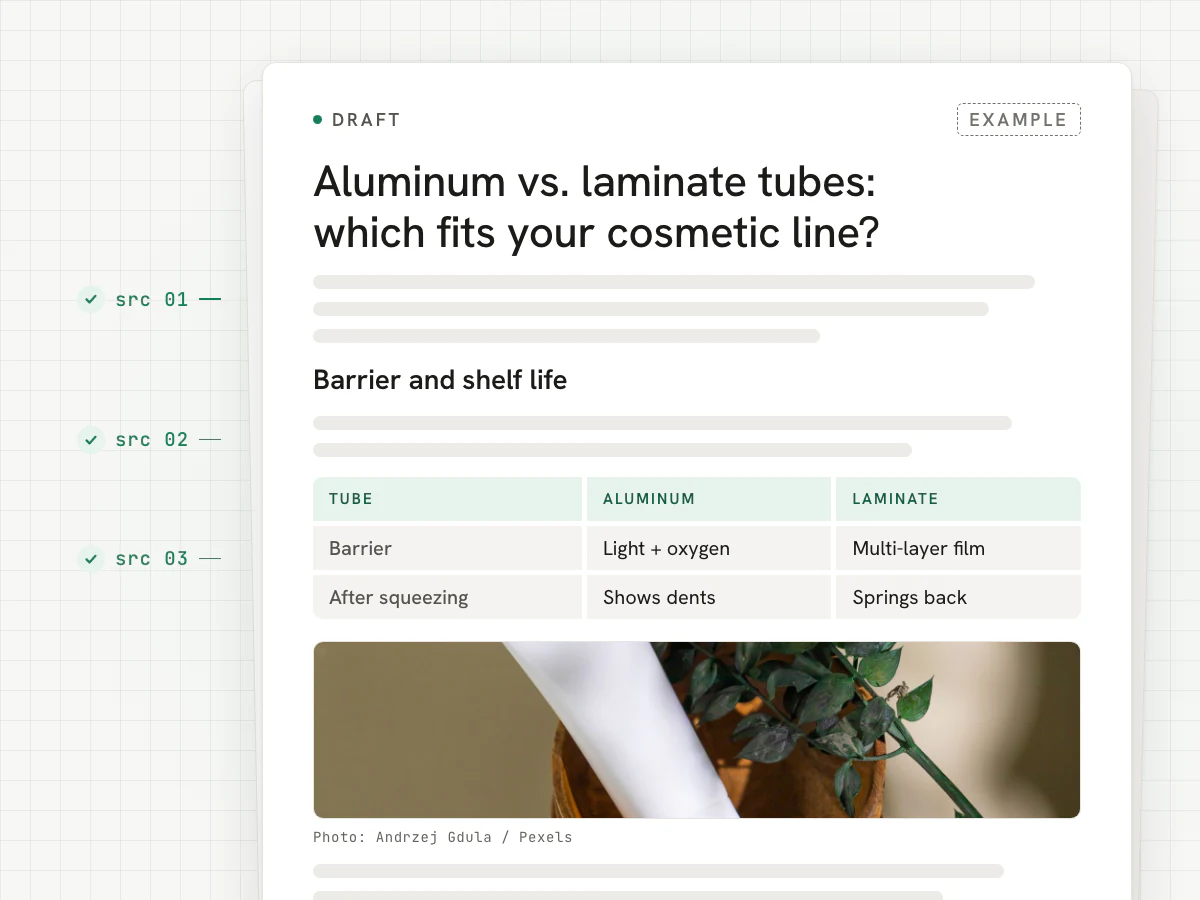
Review the current text before sending
A configured WordPress connection uses an application password. Sending requires the feature to be enabled, an owned connection, a real author, cleared review checks, current business context and confirmation of the exact article being reviewed. A changed body, title or business context requires the relevant current confirmation again.
Open the WordPress handoff panel to see the next requirement and any last-sent receipt. This preflight reads Blogo’s saved state; it does not send the article or contact WordPress. The send action rechecks the current requirements separately. After handoff, inspect formatting, metadata and destination in WordPress before your team publishes. Markdown export remains available.
Questions
Can Blogo publish for me if I want it to?
Does Blogo change my existing posts?
Do I need a WordPress plugin?
Prepare the article your team will review
Add your site and review a draft in Blogo. Choose a subscription or a one-time credit pack on the pricing page.